
FENTY STUDIOS / MOD
StairBuilder
Build a better way up.
Click the bottom and the top, get a staircase. Straight, L, U and spiral stairs with railings, smooth ramp collision, custom mesh kits and live character step/slope validation.
Unreal Engine 5.8.0 ? 1.0.0
Or get all five tools in the Level Design Bundle. Refund policy.

MADE FOR YOUR WORKFLOW
01
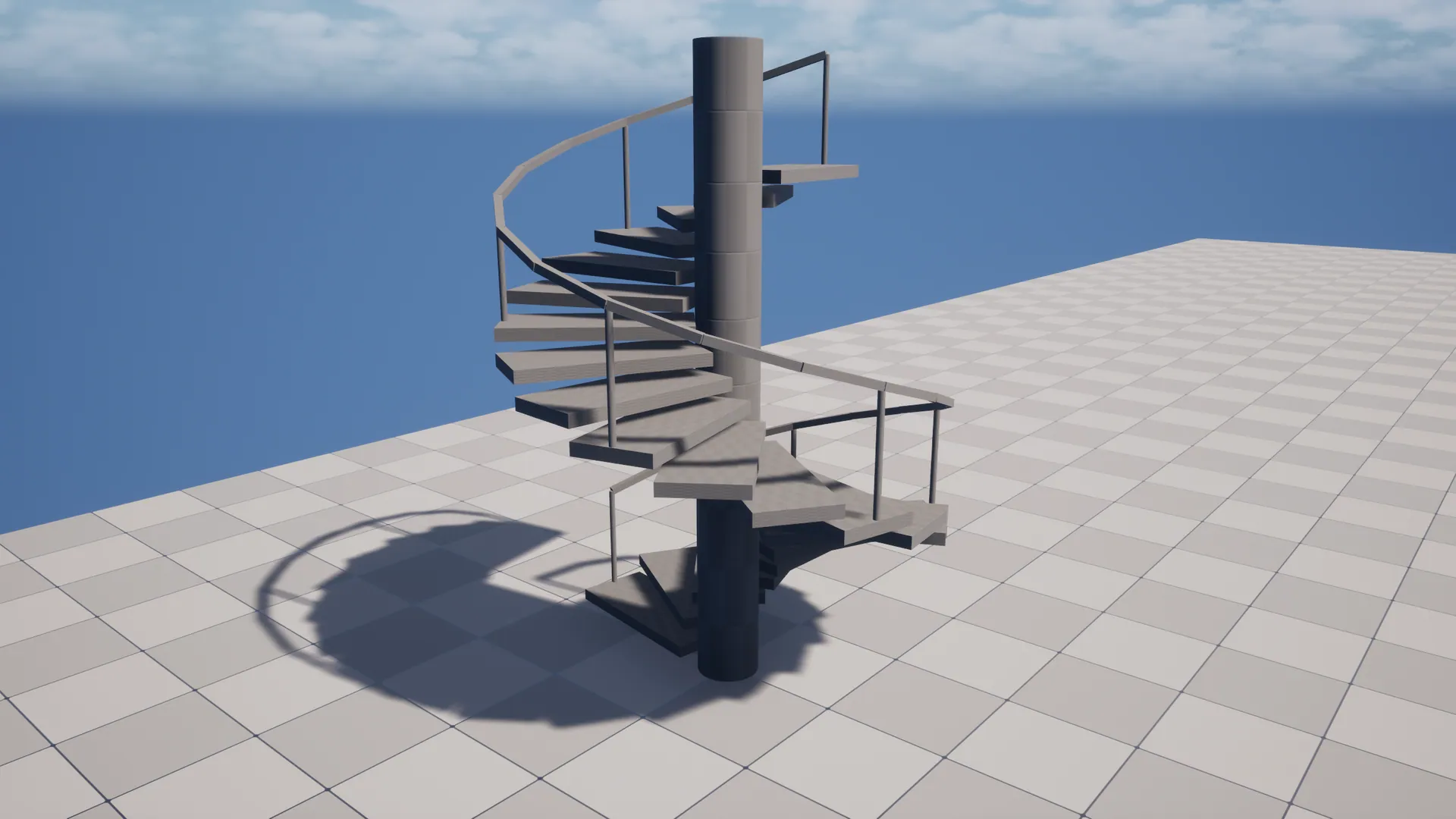
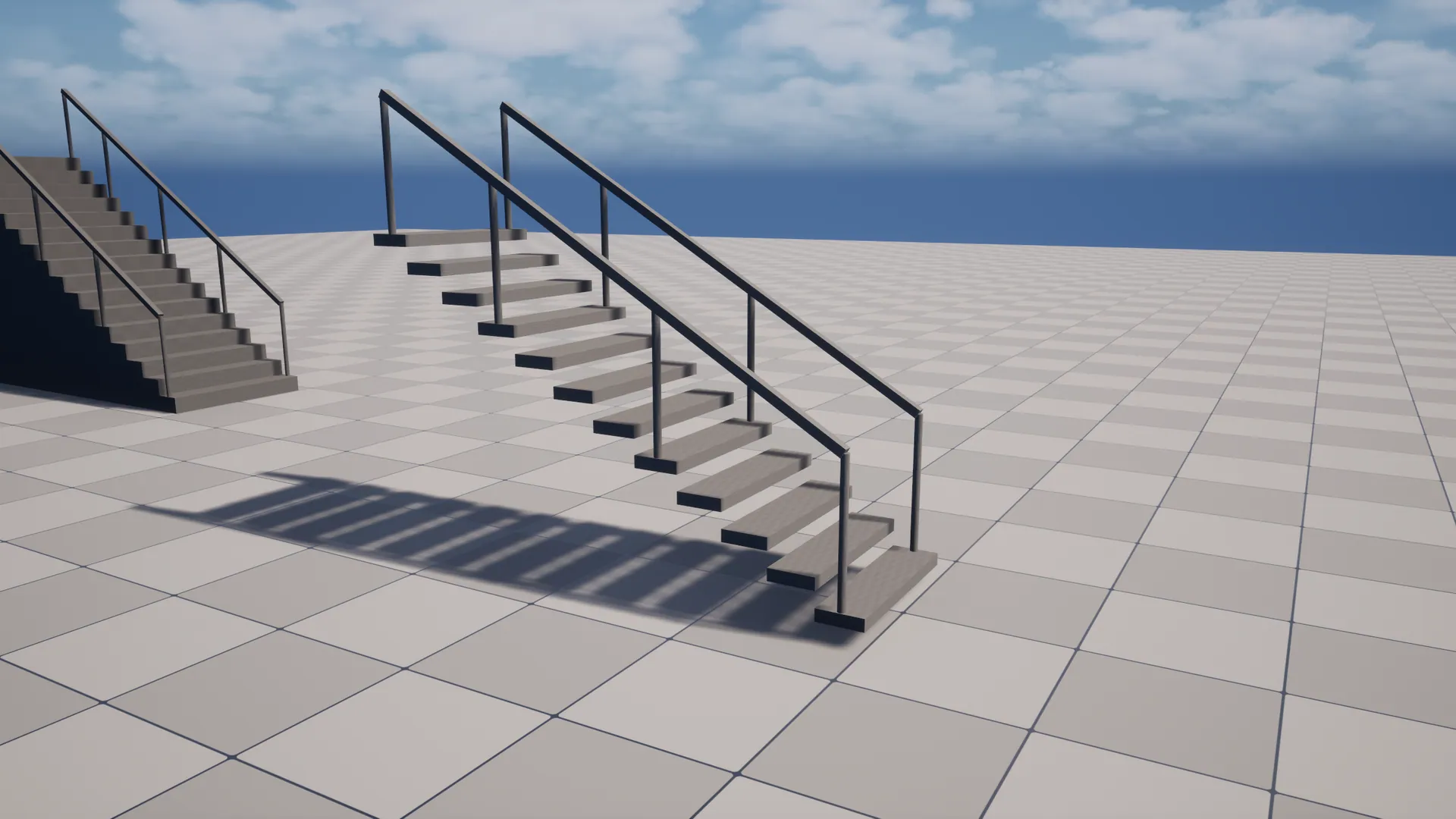
Straight, L, U and spiral stairs
02
Railings and ramp collision
03
Click-to-draw workflow
A closer look.
Open an image to view it at full resolution.
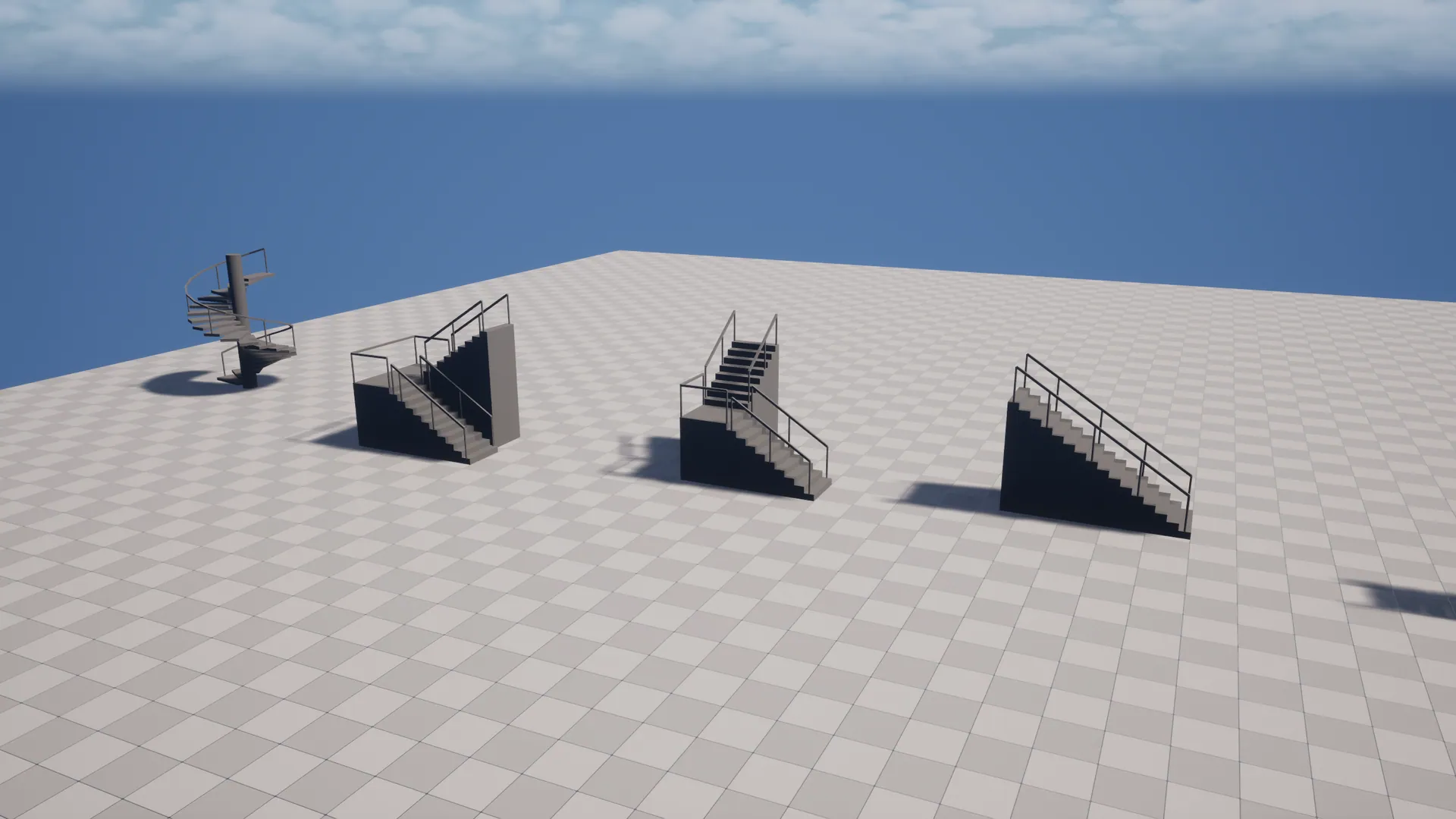
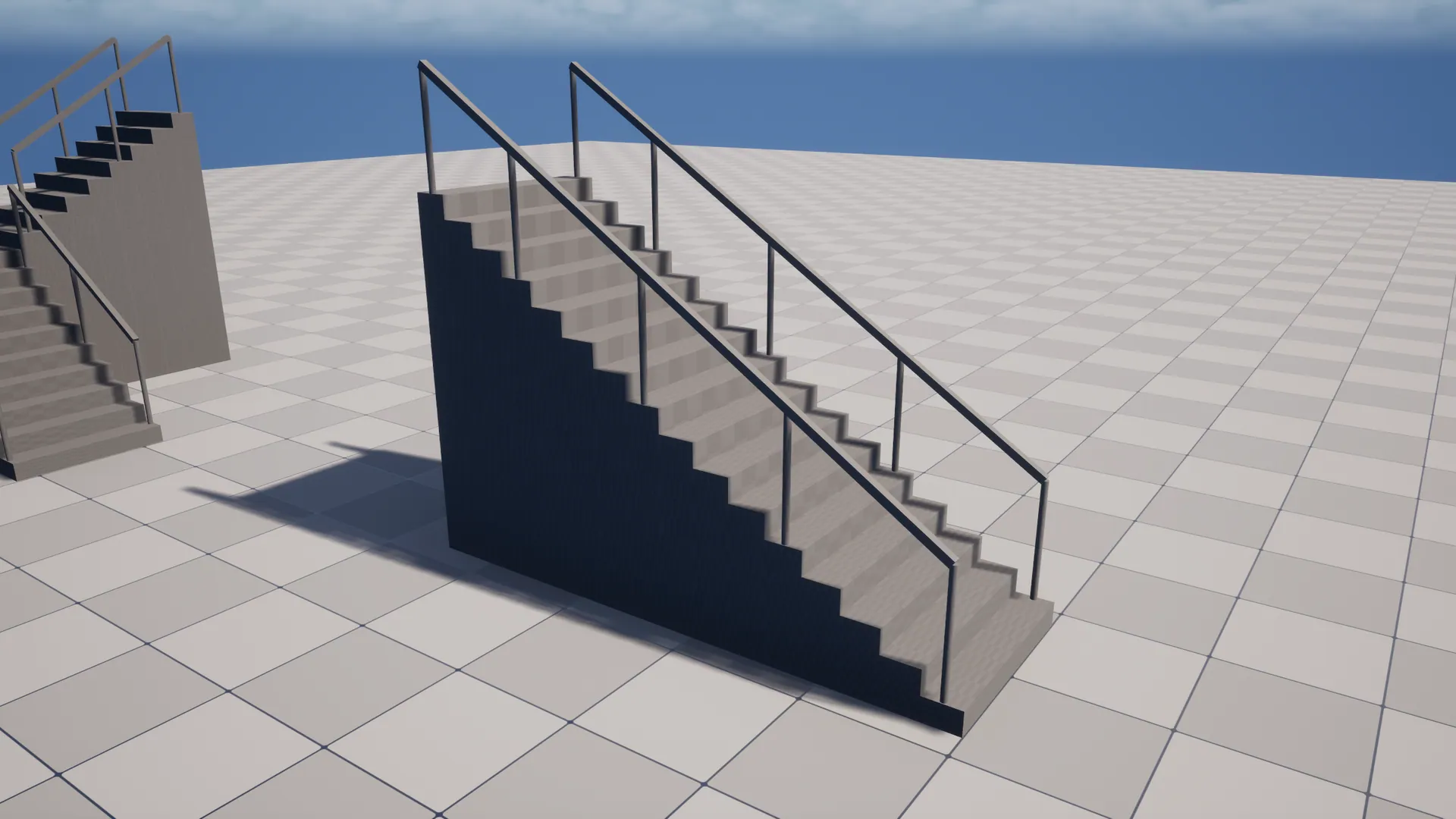
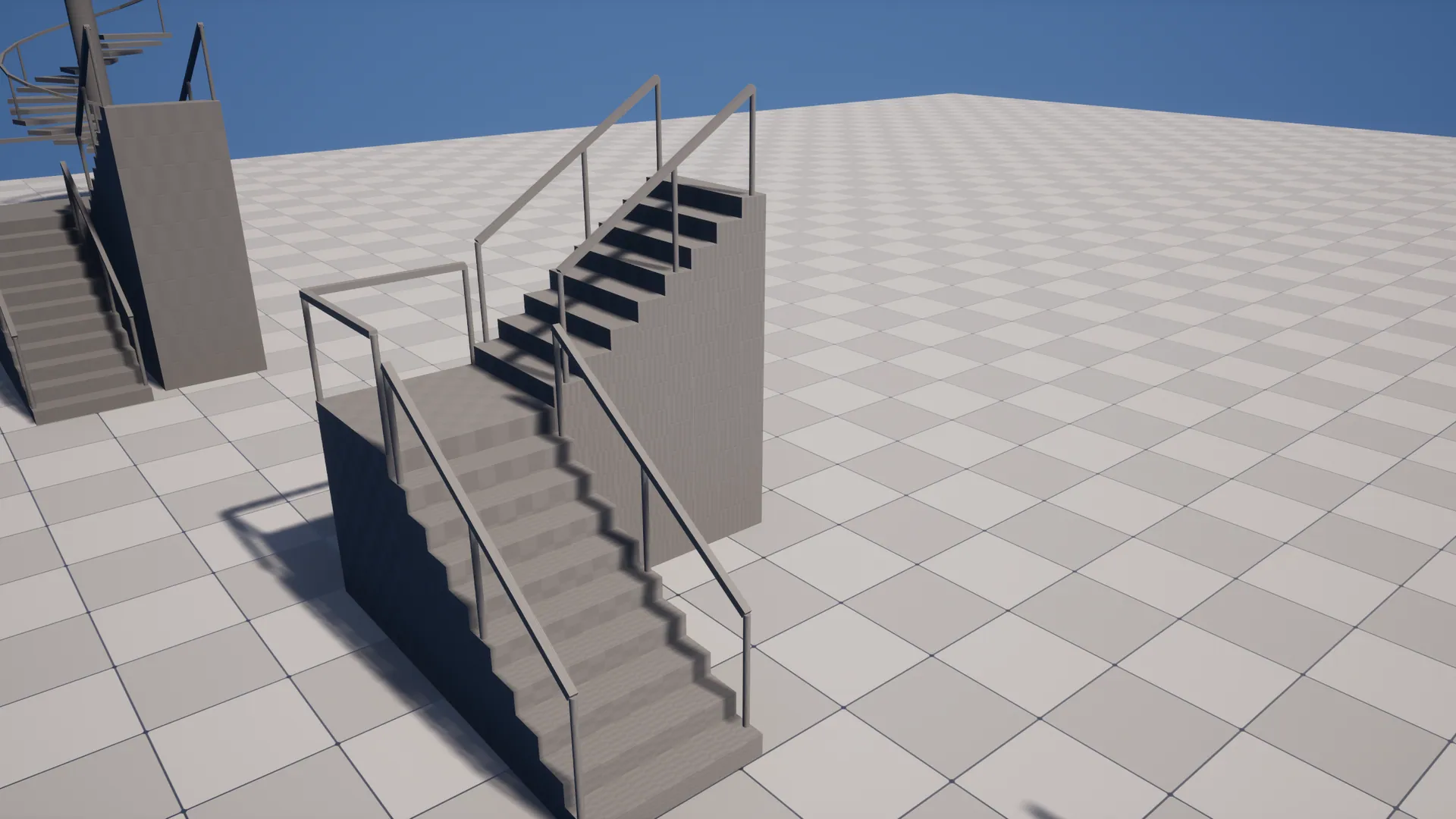
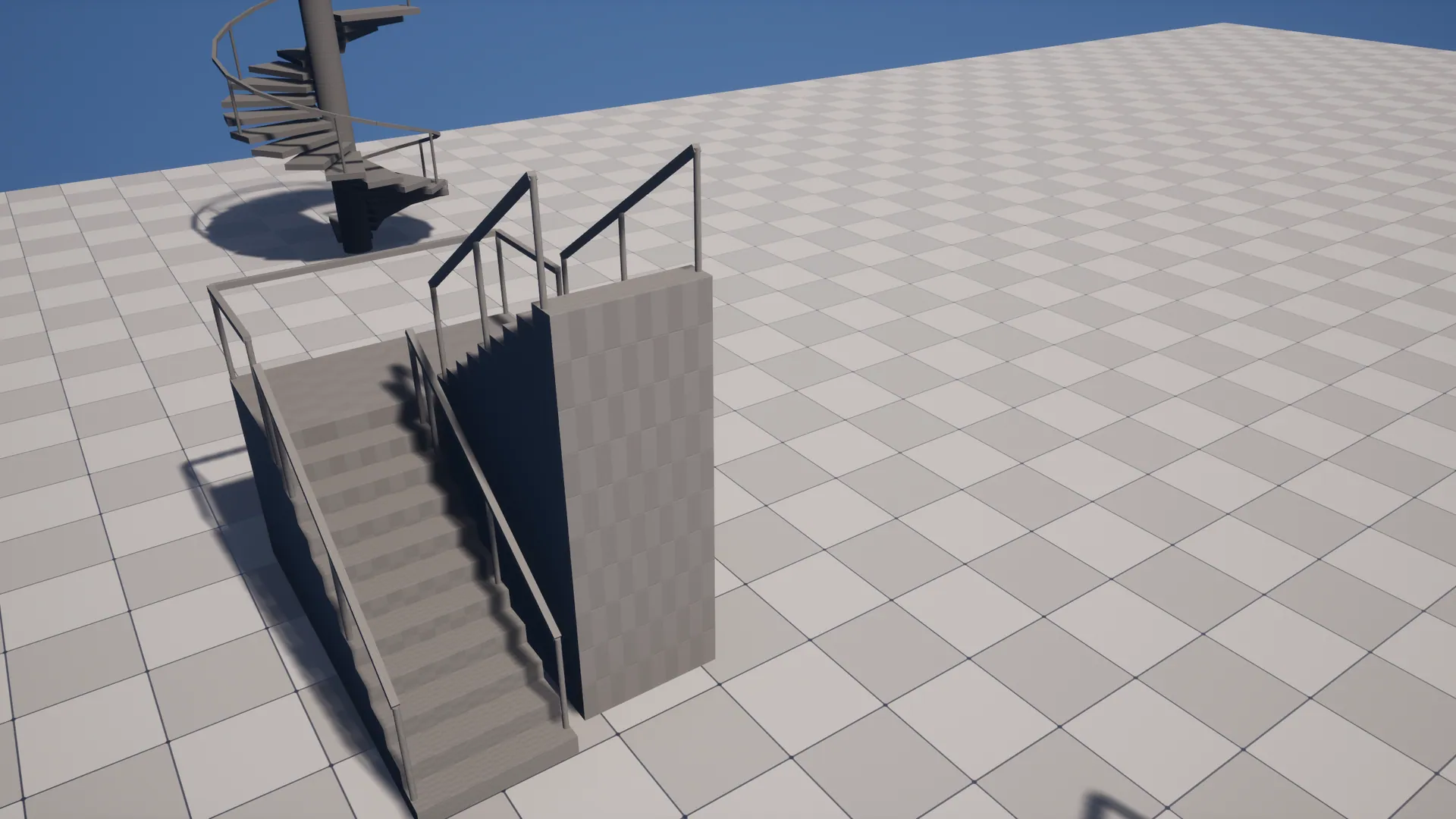
User guide
# StairBuilder User Guide

## Install
1. Install from Fab, or copy `StairBuilder` into your project's `Plugins/` folder.
2. **Edit → Plugins**, enable **StairBuilder** and restart.

## Draw stairs
1. Choose **Stairs** in the Level Editor's mode dropdown. The **Draw** tool starts automatically.
2. Click the **bottom** of the stairs (the floor where the first step starts).
3. Move to the **top** edge. A live preview shows the steps, riser, tread and slope. Problems show in red.
4. Click. A `Stairs` actor is created, fitted to the space, and selected.

Tool options (left panel): Width, Preferred Riser Height, Railings, Solid, Snap To Grid, and the step and slope limits for the live check.

You can also place **Stair Builder** from the Place Actors panel (search "Stair") and edit everything by hand.

## Edit stairs
Select the actor. Every change rebuilds instantly.

| Category | Settings |
|---|---|
| **Stairs** | Shape (Straight / L / U / Spiral), Auto Step Count + Preferred Riser Height or Step Count, Total Rise, Tread Depth, Width, Solid or Step Thickness, Turn Left |
| **Stairs › U-Shape** | Landing Depth, Flight Gap |
| **Stairs › Spiral** | Inner Radius (0 = no column), Outer Radius, Total Angle |
| **Railings** | Left / Right, Height, Post Spacing, Post Thickness, Rail Thickness |
| **Meshes** | Step / Post / Rail mesh, Step / Railing material |
| **Collision** | Smooth Ramp Collision |
| **Validation** | Reference Character or manual limits. Read-only Riser Height, Slope, Resulting Step Count, Warnings |

### Turning stairs
For L and U shapes, the landing counts as one riser. With 11 steps, you get 5 steps, then the landing, then 5 steps.

### Custom meshes
Each piece is stretched to fill its box. Model steps as a 1×1×1 block (any size works, since it gets fitted) with the pivot anywhere. For posts, a cylinder or square post standing on Z. For rails, a bar along X.

### Collision
- Steps use the step mesh's collision (the engine cube has box collision).
- **Smooth Ramp Collision** adds a thin hidden ramp per flight that only blocks Pawns. Characters walk up smoothly, while traces, projectiles and the camera still hit the real steps.
- If the slope is steeper than the walkable angle, the Warnings field tells you. Deepen the treads or lower the rise.

### Baking
To turn stairs into a single static mesh, select the actor and use **Actor → Merge Actors** (or **Convert to Static Mesh**).

## Blueprint
- `Rebuild()` regenerates the instances.
- `Fit Between(Bottom, Top)` places and sizes a straight staircase between two world points.
- All properties are BlueprintReadWrite, so you can generate stairs procedurally at runtime too.
Changelog
# StairBuilder Changelog

## 1.0.0
- Initial release for Unreal Engine 5.8.
- Straight, L, U and spiral layouts with railings and landings.
- Stairs editor mode with click-to-draw tool and live validation.
- Smooth pawn-only ramp collision.
- Custom step, post and rail meshes and materials.