
FENTY STUDIOS / MOD
MeasureKit
Measure with confidence.
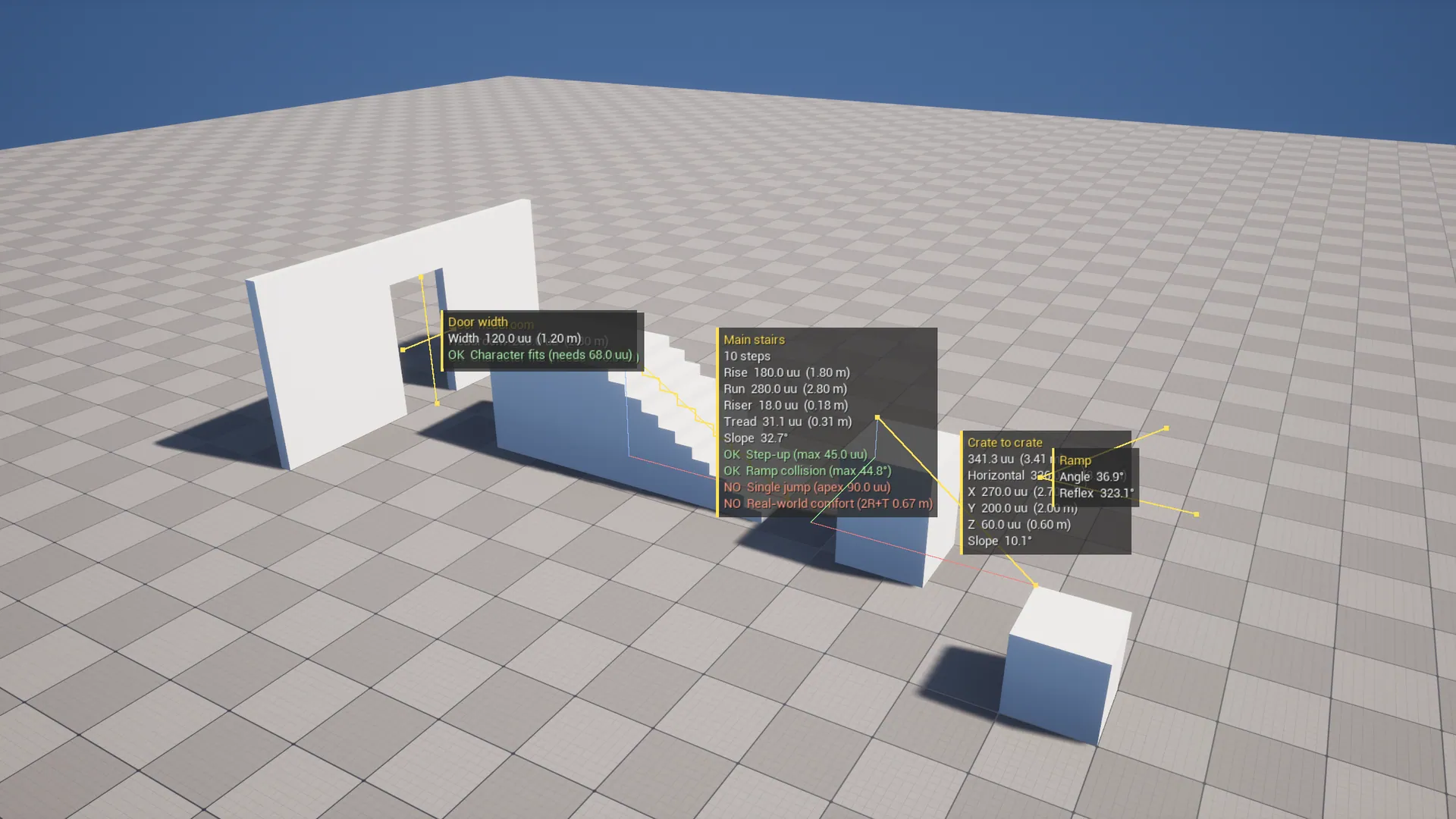
In-viewport measuring tools for level design: point-to-point ruler with X/Y/Z breakdown, stair rise/run analysis with character traversal checks, clearance, angle and actor bounds/gap measurement, plus persistent measurement annotations.
Unreal Engine 5.8.0 ? 1.0.0
Or get all five tools in the Level Design Bundle. Refund policy.

MADE FOR YOUR WORKFLOW
01
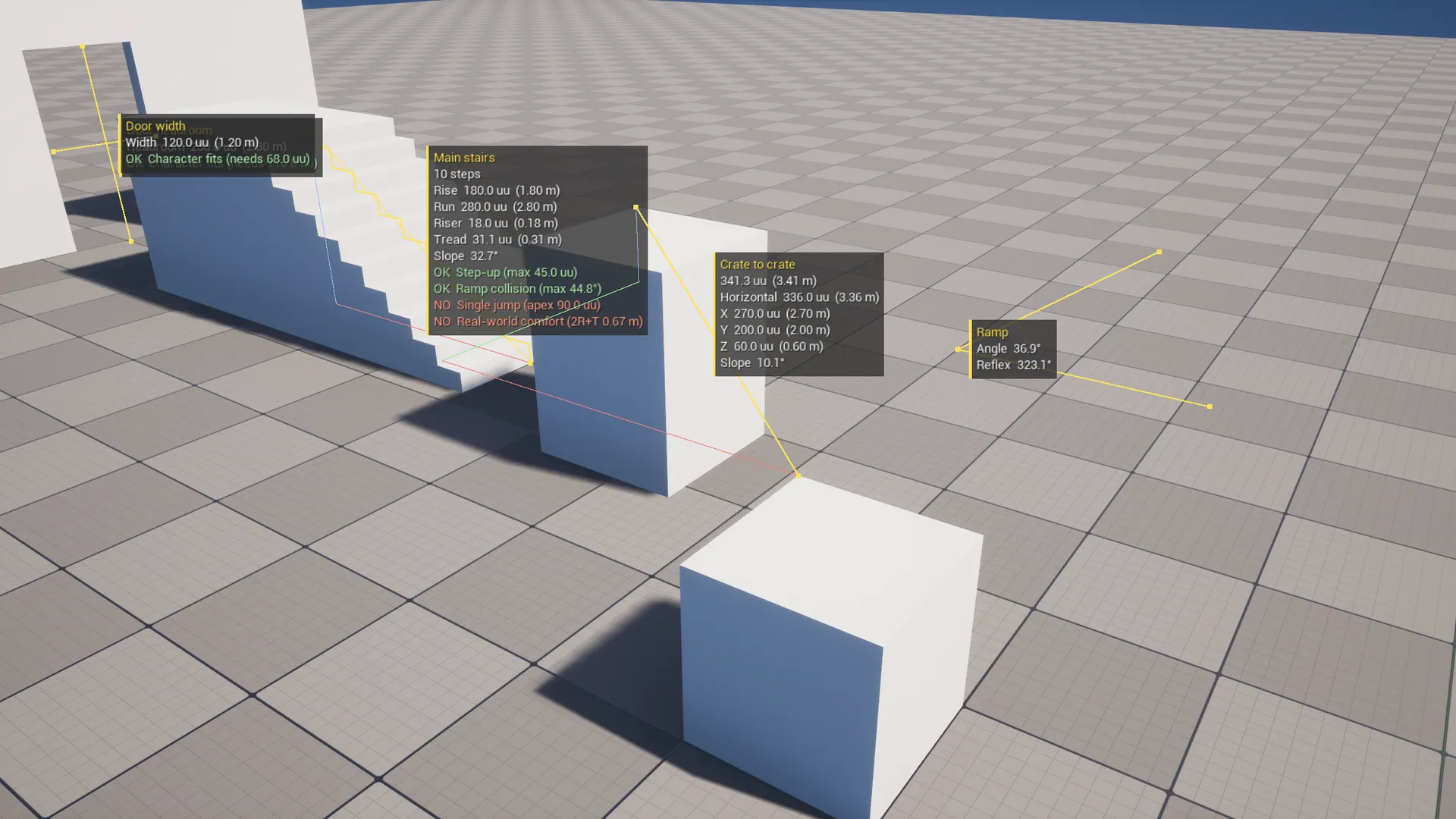
Ruler, angle and bounds tools
02
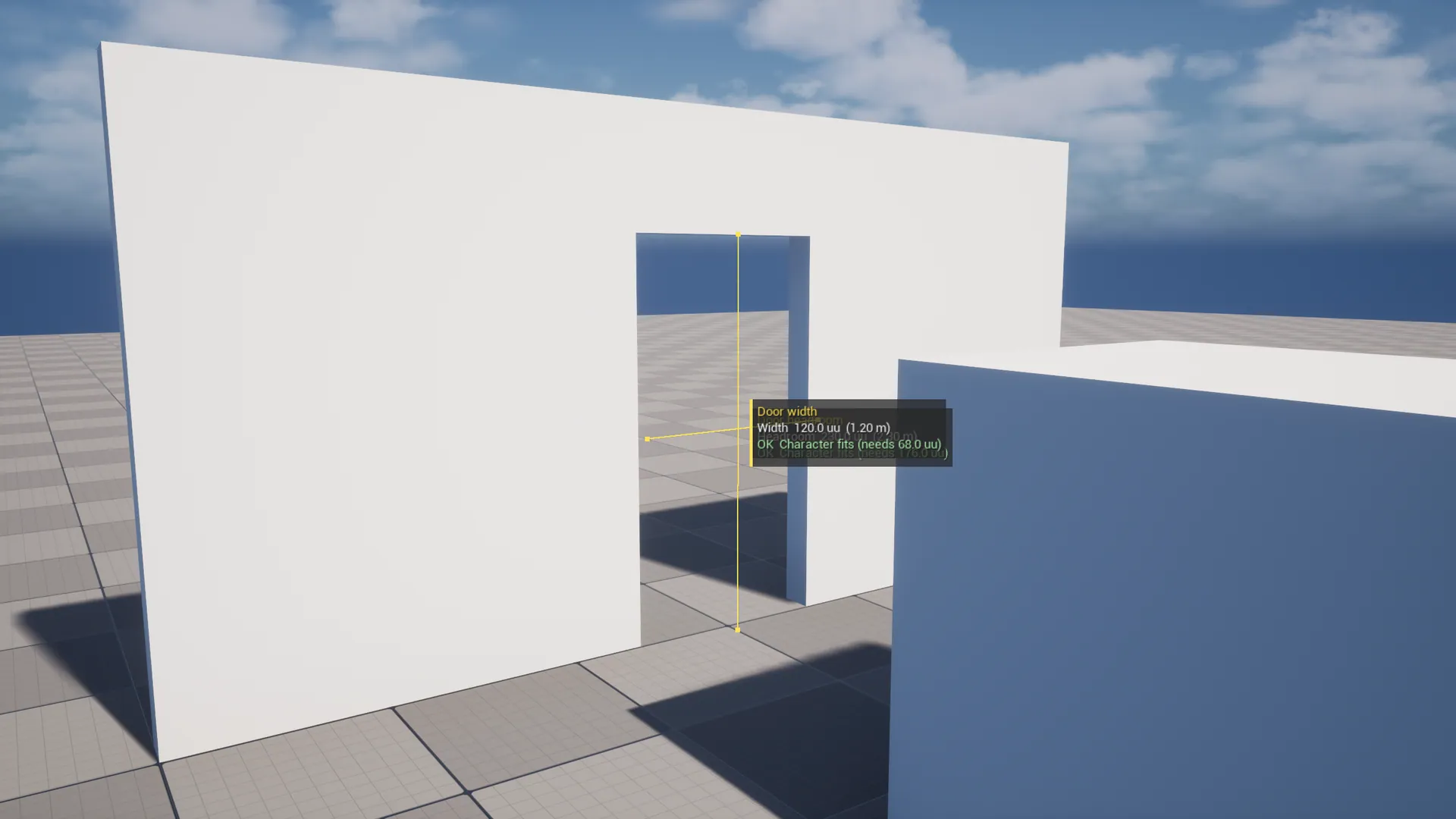
Character-aware clearance checks
03
Persistent viewport measurements
A closer look.
Open an image to view it at full resolution.
User guide
# MeasureKit User Guide

## Install
1. Install from Fab into your engine, or copy the `MeasureKit` folder into your project's `Plugins/` folder.
2. **Edit → Plugins**, search "MeasureKit", enable it and restart the editor.

## Open the tools
Pick **Measure** from the mode dropdown in the Level Editor toolbar (next to Selection, Landscape, Foliage and so on). The Ruler starts automatically. Switch tools from the palette, where each tool's options, live result and actions appear in the panel.

## Tools

| Tool | How to use | What you get |
|---|---|---|
| **Ruler** | Click A, then B. Clicking again starts over. Switch **Mode → Path** to chain segments. | Distance, horizontal distance, ΔX/ΔY/ΔZ, slope. Path mode adds the total and each segment. |
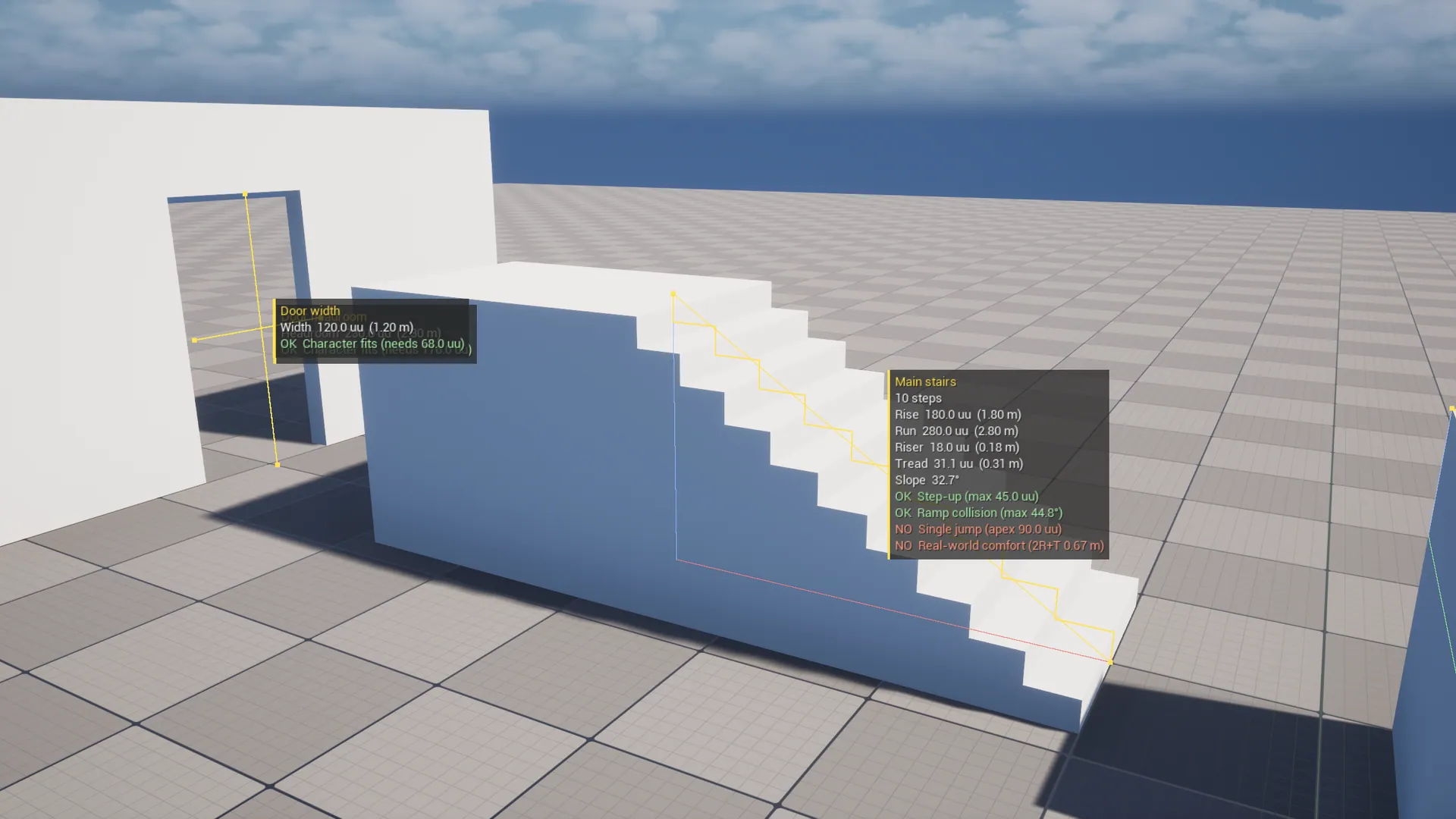
| **Stairs** | Click the bottom of the first step, then the top landing edge. Set **Step Count** or leave it at 0 (auto). | Rise, run, steps, riser, tread, slope, and OK/NO for step-up, ramp collision, single jump and real-world comfort. |
| **Clearance** | Hover any surface; click to lock. | Free distance along the surface normal, and whether the character capsule fits. |
| **Angle** | Click arm, corner, arm. | Angle and reflex angle. |
| **Bounds** | Hover an actor for its size. Click two actors for the gap. | X/Y/Z size; gap, per-axis gap or overlap, pivot distance. |

### Modifiers
- **Shift**: lock the next point to the dominant axis from the previous point.
- **Ctrl**: ignore snapping for this point.

### Snapping (per tool, remembered)
- **Snap To Bounds**: corners, edge midpoints, face centers and the pivot of the actor under the cursor.
- **Snap To Grid**: uses the level editor's current grid size.
- **Trace Complex**: hits render geometry (works on meshes without collision).

### Actions
- **Pin** saves the measurement as a `Measure_*` actor in the current level. Select it to change the label, color or step count, or drag its point widgets. Delete it like any actor. These actors are editor-only and never cooked.
- **Copy** puts the result text on the clipboard.
- **Clear** resets the current measurement.

## Settings
**Edit → Editor Preferences → Plugins → MeasureKit**
- **Units**: primary and secondary unit, decimal places, and whether to honor World To Meters.
- **Character**: set **Reference Character** to your Character Blueprint and MeasureKit reads Max Step Height, Walkable Floor Angle, Jump Z Velocity, Gravity Scale and capsule size from it. Otherwise the manual values are used (UE defaults: 45 / 44.765° / 420 / 1.0 / r34 / hh88).
- **Stairs**: preferred riser height for auto step count; whether the top riser lands on the floor (one fewer tread); the real-world comfort check.
- **Display**: line color and thickness, label scale (raise it on 4K or ultrawide monitors), and show or hide pinned measurements.

Pinned measurements are hidden in **Game View (G)**, like other editor-only visuals.

## How the checks work
- **Step-up OK**: riser height ≤ Max Step Height.
- **Ramp collision OK**: overall slope ≤ Walkable Floor Angle. If this passes, a simple invisible ramp over the stairs is walkable.
- **Single jump OK**: total rise ≤ jump apex, where apex = JumpZVelocity² / (2 × |Gravity| × GravityScale). With UE defaults that's 90 uu.
- **Real-world comfort OK**: riser 15–19 cm, tread ≥ 25 cm, and 2R + T between 60 and 66 cm.
- **Clearance fits**: vertical gaps need at least the capsule height (2 × half-height); horizontal gaps need at least the capsule diameter.

## Support
See the Support URL on the Fab listing. Include your engine version and the Output Log.
Changelog
# MeasureKit Changelog

## 1.0.0
- Initial release for Unreal Engine 5.8.
- Tools: Ruler (two-point and path), Stairs, Clearance, Angle, Bounds & Gap.
- Pinned editor-only measurement annotations.
- Bounds, grid and axis-lock snapping.
- Character-aware traversal checks driven by a reference Character class.